
DIY Website vs Hiring a Developer: The Real Cost
Wix and Squarespace look cheap until you count the time, the limits and the lost leads. An Edmonton developer's honest breakdown of DIY vs hiring.
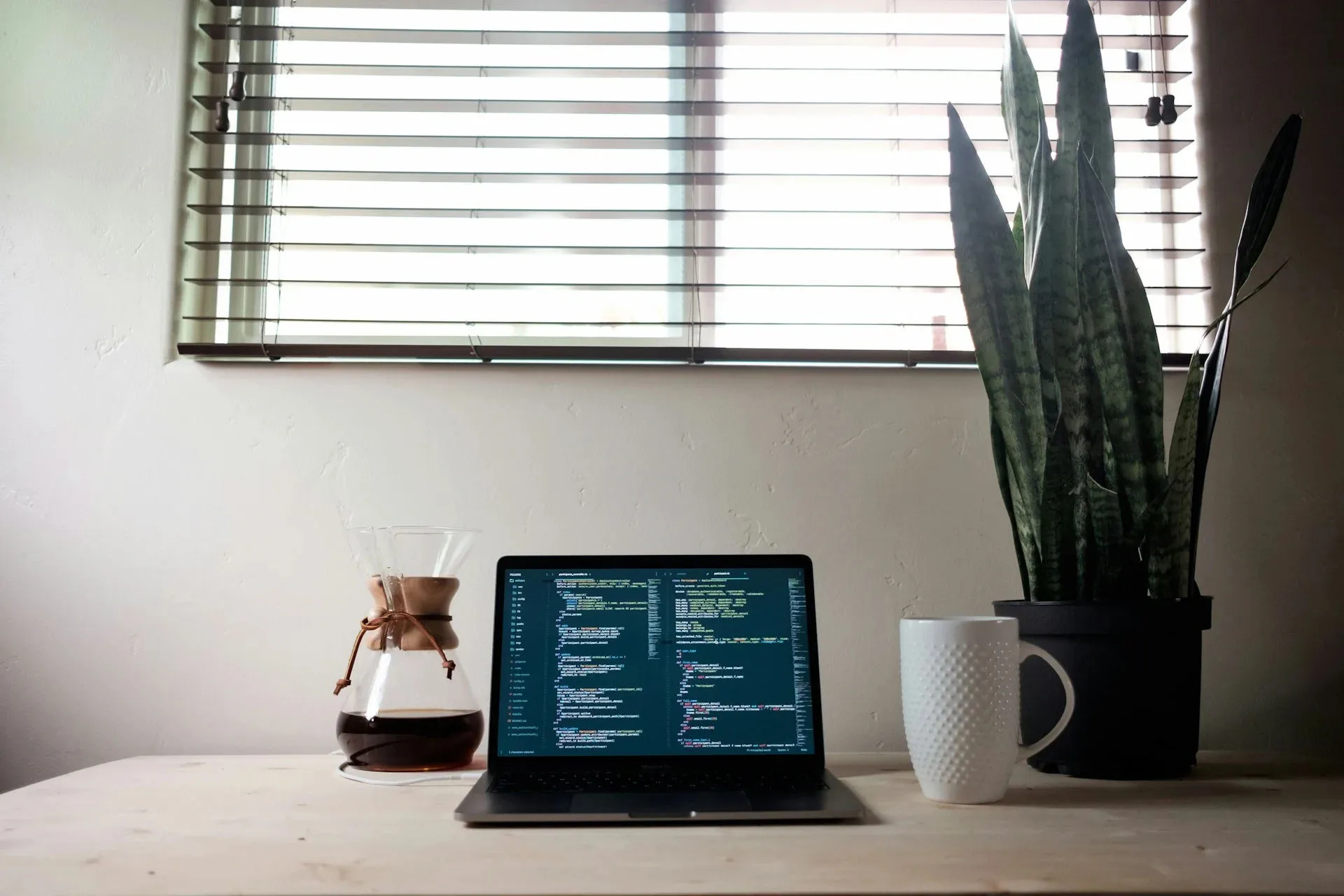

If your business is very small and still finding its feet, building your own website can be the right call. I mean that. Wix and Squarespace let you get online quickly for a monthly fee, and for some businesses that’s enough for now. But the price on the plan page isn’t the real cost of a DIY website. Once you count your time, the add-ons and the customers a weak site never brings in, the numbers can look very different. Here’s an honest breakdown from someone who builds websites for a living.
What DIY Really Costs
Monthly Fees
DIY platforms charge a subscription for as long as your site is online. As of October 2026, Squarespace’s plans run from CA$21 to CA$46 a month when billed annually, or CA$30 to CA$59 a month if you pay month to month. Wix’s paid plans start at about US$17.77 a month on a yearly plan, and its plans with full business features cost more. Prices change and vary by region, so check the current rates before you sign up.
The key word is “subscription.” You never own the site. If you stop paying, it goes offline, and you can’t take the design with you to another host.
Paid Apps
The base plan is rarely the whole story. Booking tools, extra form features, email marketing, reviews widgets and other add-ons often come from paid apps or higher-tier plans. Each one adds a few dollars a month, and they add up over time. Before you commit, list the features you need and check which plan and apps cover them.
Your Time
This is the cost most owners underestimate. Building a website isn’t just dragging blocks onto a page. You have to plan the pages, write the content, find or take photos, set up forms, figure out SEO settings and test everything on your phone. Then you have to keep it up to date.
Every hour you spend on your website is an hour you’re not spending with customers or on the work that earns money. To see the real cost, multiply the hours you spend by what an hour of your time is worth. For example, if it takes you 20 hours to build and you value your time at $50 an hour, that’s $1,000 before you’ve paid for the plan. Your numbers will be different, but they’re never zero.
A Site That Doesn’t Convert
The biggest cost of a DIY website is the one you never see: the customers who visit, aren’t convinced and leave. A website’s job is to turn visitors into calls and quote requests. If the layout is confusing, the message is unclear or there’s no obvious next step, those visitors go to a competitor instead. You won’t get a bill for that, but it costs more than any subscription.
What Hiring a Developer Costs
My custom websites start at $2,500 for a 5-page site. That includes custom design and development, SEO setup, a content management system (CMS) you can edit yourself, mobile optimization and 30 days of post-launch support. You own everything.
If you’d rather spread the cost, I also offer a monthly option from $350 a month, which includes the custom website plus hosting and maintenance. For ongoing hosting and upkeep after a one-time build, my care plan starts at $300 a month and covers hosting, security updates, backups and small content edits. Online stores start at $5,000.
Larger sites with more pages or custom features cost more. I give every client a quote for their specific project before any work starts.
What you’re paying for isn’t just the finished pages. It’s the planning that goes into who your customers are and what they need to see before they call. It’s a site designed for phones first, built to load fast and set up so Google can understand it. And it’s the hours you get back, because you’re not the one wrestling with layouts at 11 p.m. If something breaks or you need a change, you have someone to call instead of a help forum.
Side by Side Over Three Years
Here’s how the costs compare over three years, using the prices above:
- DIY on Squarespace (Core plan, billed annually): about CA$1,152 in subscription fees, plus any paid apps, plus your time to build and maintain the site.
- One-time build with me, self-managed: from $2,500 up front. You own the site, edit it yourself through the CMS and pay for your own hosting.
- One-time build with my care plan: from $2,500 plus $300 a month, or about $13,300 over three years, with hosting, updates, backups and small edits handled for you.
- Monthly plan: from $350 a month, or about $12,600 over three years, with the website, hosting and maintenance included.
On raw dollars, DIY usually wins. I won’t pretend otherwise. The question is what you get for the money. A professionally built site should bring in enough extra calls and quote requests to cover the difference. If one new client is worth a few hundred or a few thousand dollars to your business, it doesn’t take many extra leads a year to come out ahead.
Where DIY Sites Usually Go Wrong
I see the same problems again and again on DIY websites.
- Layout and mobile issues. A page that looks fine on a laptop can fall apart on a phone, with text cut off, images squished or buttons too small to tap. Many of your visitors are on phones, so this matters.
- Weak SEO. DIY platforms give you SEO settings, but they don’t tell you what to put in them. Many DIY sites have vague page titles, no location keywords, one page trying to cover every service and no Google Business Profile strategy.
- No clear call to action. Visitors should always know what to do next: call, book or request a quote. Many DIY sites bury the phone number or use a vague “Contact Us” link at the bottom of the page. I explain how to fix this in my post on website call to action examples that get calls.
- Slow pages. Large, unoptimized photos, heavy templates and too many add-ons can make a DIY site slow to load. Visitors on a phone with a weak signal won’t wait long, and speed is part of how Google judges your site.
- Templates that blend in. Templates aren’t bad, but many DIY sites in the same industry end up looking similar, which makes it harder to stand out from competitors.
AI website builders promise to fix some of this by generating the site for you. They’re faster, but they come with many of the same problems. I go through the pros and cons in can AI build your website instead?
When DIY Is the Right Call
DIY makes sense in some situations:
- You’re just starting out and don’t have the budget for a professional website yet.
- You mainly need a simple online presence, like your hours, location and contact details.
- Most of your business comes from referrals, and your website isn’t a big source of new customers.
- You enjoy this kind of work and have the time to learn it properly.
If that’s you, a DIY site is a reasonable starting point. Treat it as temporary, keep it simple and plan to upgrade once your business is bringing in steady revenue. Having a basic site online is better than having nothing at all.
Signs You’ve Outgrown Your DIY Site
Your DIY site has probably done its job when:
- You’re embarrassed to send people to it, or you apologize for it.
- It doesn’t show up on Google for the services and areas you want to be known for.
- Visitors aren’t calling or filling out forms, even though people are finding the site.
- You need features your plan can’t handle without expensive upgrades.
- It’s slow, especially on phones.
- Updating it takes hours you don’t have, so it’s out of date.
- Competitors with better websites are winning jobs you should be getting.
If a few of these sound familiar, it’s probably time for a website built around your business. Take a look at my web design and development services in Edmonton, or get a quote and I’ll tell you honestly whether an upgrade makes sense right now.
Frequently Asked Questions
Is Wix bad for SEO?
Not on its own. Wix lets you edit page titles, descriptions and headings, and plenty of Wix sites rank. The limits show up in speed, code you can't control and how much you can customize. Most DIY sites struggle with SEO because of how they're set up, not because of the platform.
Can you redesign my Wix site?
Yes. I can rebuild it as a custom website, usually with Astro, which is much faster and gives you full control. I move your content over, improve it where it needs it and set up redirects so you keep the Google rankings you've earned.
Can I move my Squarespace site to a custom one?
Yes. Your text, images and pages can all be moved to a custom site, although some content has to be moved by hand because Squarespace's export tools are limited. I set up 301 redirects from your old page addresses and point your domain to the new site, so customers and Google find you without a gap.